The sign-off that went to someone who’d left
Approval chains built around names break the moment someone changes jobs. Routing to roles fixes it, and you don’t need to replace your ERP to do it.
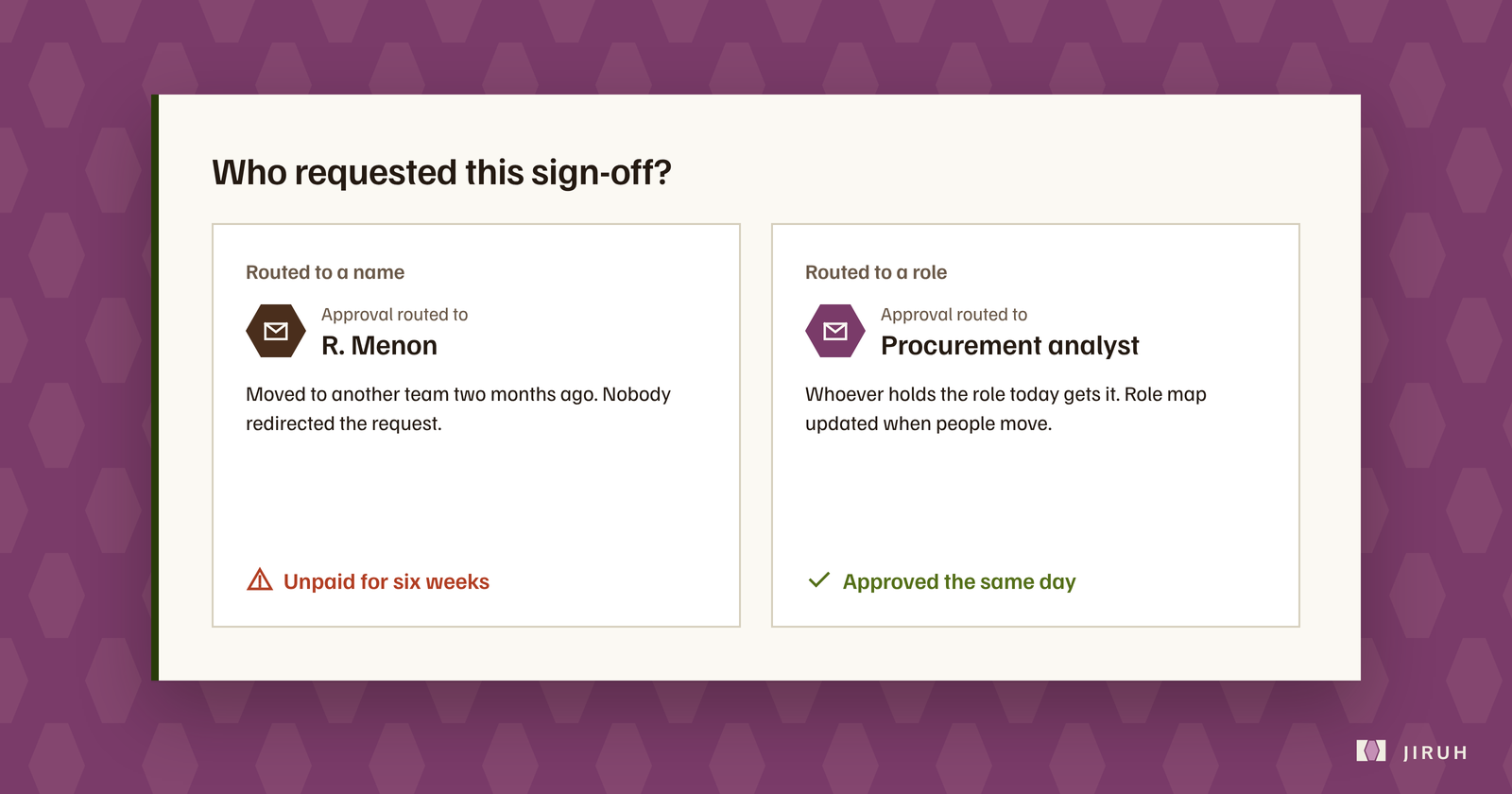
Picture a vendor invoice for a routine renewal. The approval request goes out by name to a procurement analyst who moved to another team two months ago. Nobody redirects it. Nobody is watching for it. It sits there until the vendor calls to ask why a standing contract has turned into a late-payment notice.
Nobody in that story was careless. The workflow was set up around whoever held the job on the day someone wrote the rule. Once that person moved, the rule kept sending work to an empty desk.
How this happens
Most procurement routing is built the same way. Someone looks at the current team, decides who approves what, and hard-codes those names into an approval chain, an inbox rule or a spreadsheet macro.
On day one it’s perfect, because the routing and the org chart match. They start drifting apart the first time someone gets promoted, goes on parental leave or hands in their notice. In a busy procurement team that’s every few weeks. Each move quietly breaks a rule nobody remembers writing.
Route to the role
The fix is to route to a role, such as “procurement approver, facilities”, and keep one place that says who holds that role right now. When someone changes jobs, you update one line and every workflow that depends on that role follows.
It sounds too simple to matter, which is exactly why teams skip it. It doesn’t feel like a real project the way buying a new platform does. But trace a stranded sign-off back to its cause and it’s almost always this: a rule pointing at a person instead of a position.
Start with a spreadsheet
Procurement leaders often assume role-based routing means ripping out the ERP. It doesn’t. Routing sits on top of the system that holds the purchase order or contract. It changes who gets told and in what order. The financial data stays where it is.
The cheapest version is one spreadsheet, owned by one person, listing each approval role and its current holder. Make checking it part of every leaver and mover process. Low-tech, and it closes most of the gap.
The better version routes automatically from that same list, so nobody has to remember to look. But even the spreadsheet beats routing rules scattered across individual inboxes.
This is one piece of a bigger pattern we wrote about in where approvals actually get stuck.